Overview
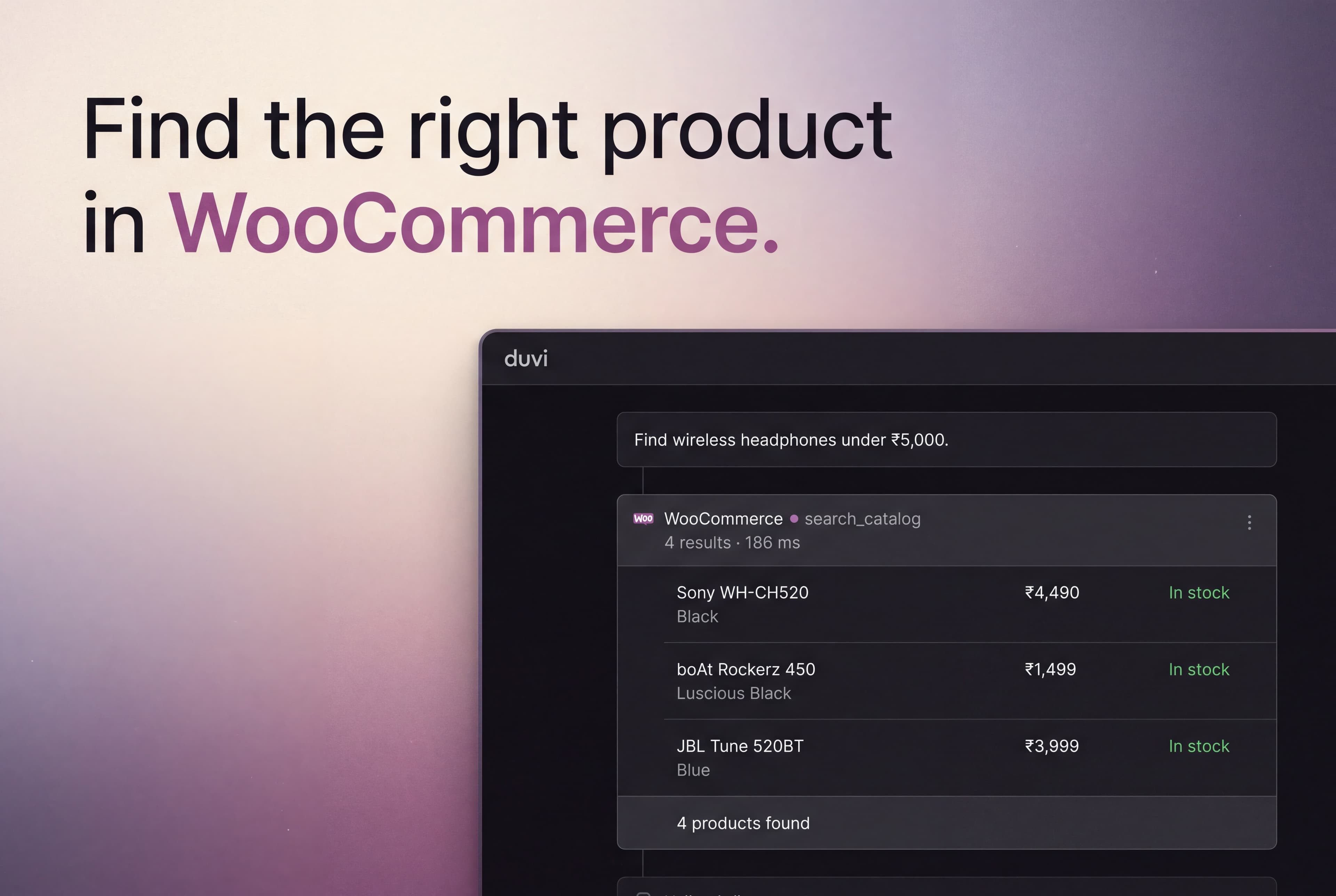
The WooCommerce connector gives your agent read access to a store's product catalogue over WooCommerce's own MCP integration. Your agent searches products by name and price, so a shopper's question turns into a result from what the store actually stocks.
WooCommerce serves that catalogue from a single MCP server on your own site, reached over HTTP Basic auth. Your agent calls it while it answers, so the price and stock it quotes are what your store holds right now.
What it can do
Configure
Anyone who can edit an agent can connect WooCommerce. Open the agent’s Integrations, choose WooCommerce, and enter your store address. In WordPress, turn on WooCommerce > Settings > Advanced > Features > Enable MCP Beta, then create an application password under Users > Profile and paste it in. It is encrypted and never shown again. WooCommerce 10.3 or newer is required.
Once connected, every tool WooCommerce offers appears under Available to the agent, with a switch to turn off any you would rather it never called.