Overview
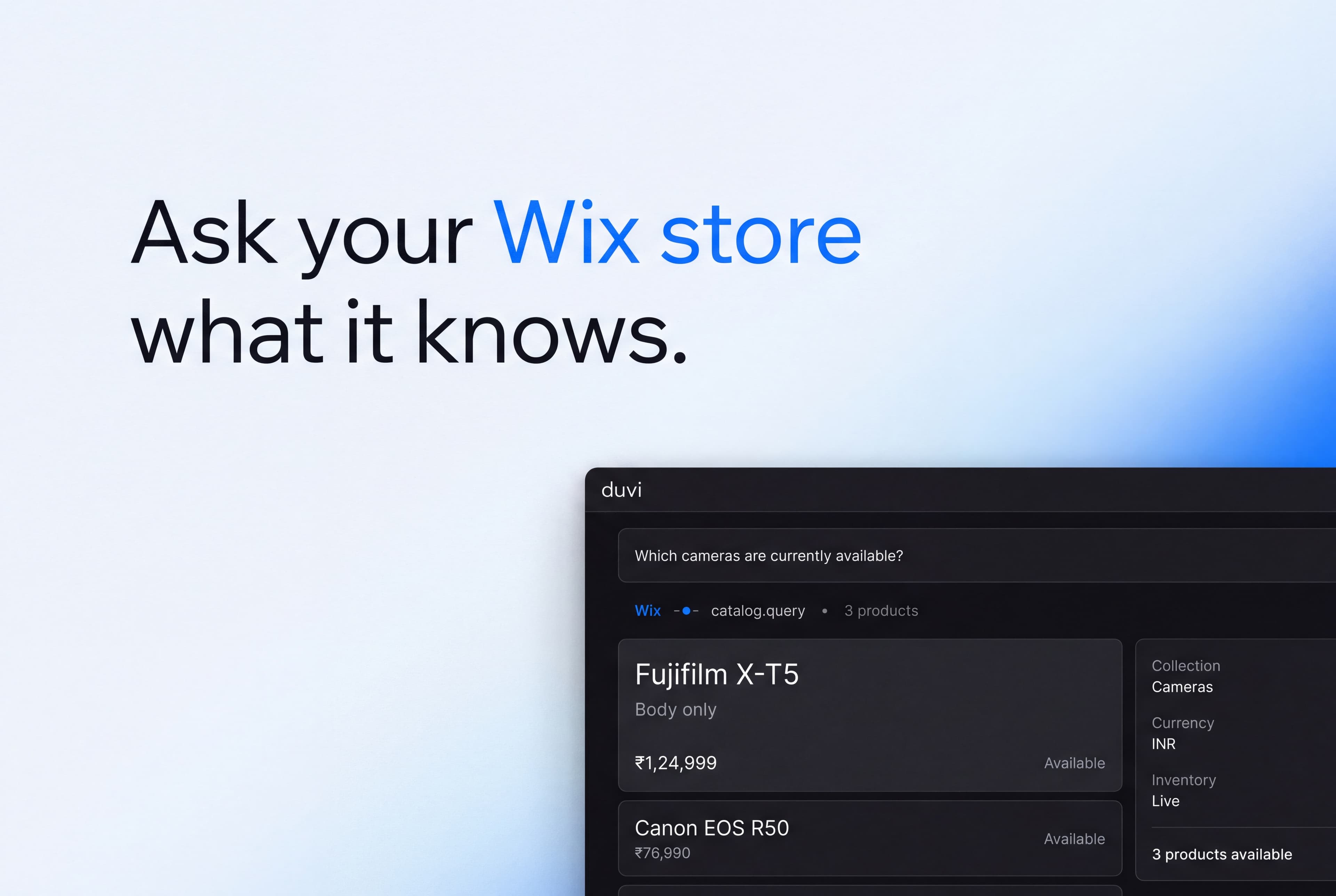
The Wix connector gives your agent access to a Wix site's catalogue and store data. Your agent checks what is in stock and what it costs, so a shopper's question gets answered from the site as it stands today.
Wix serves that data from its own MCP server at mcp.wix.com. Your agent reaches it once you sign in and authorize Duvi, and calls it live while it answers.
Configure
Anyone who can edit an agent can connect Wix. Open the agent’s Integrations, choose Wix, and sign in with your Wix account. You approve the access and land back here. Duvi never sees your password.
Once connected, every tool Wix offers appears under Available to the agent, with a switch to turn off any you would rather it never called.