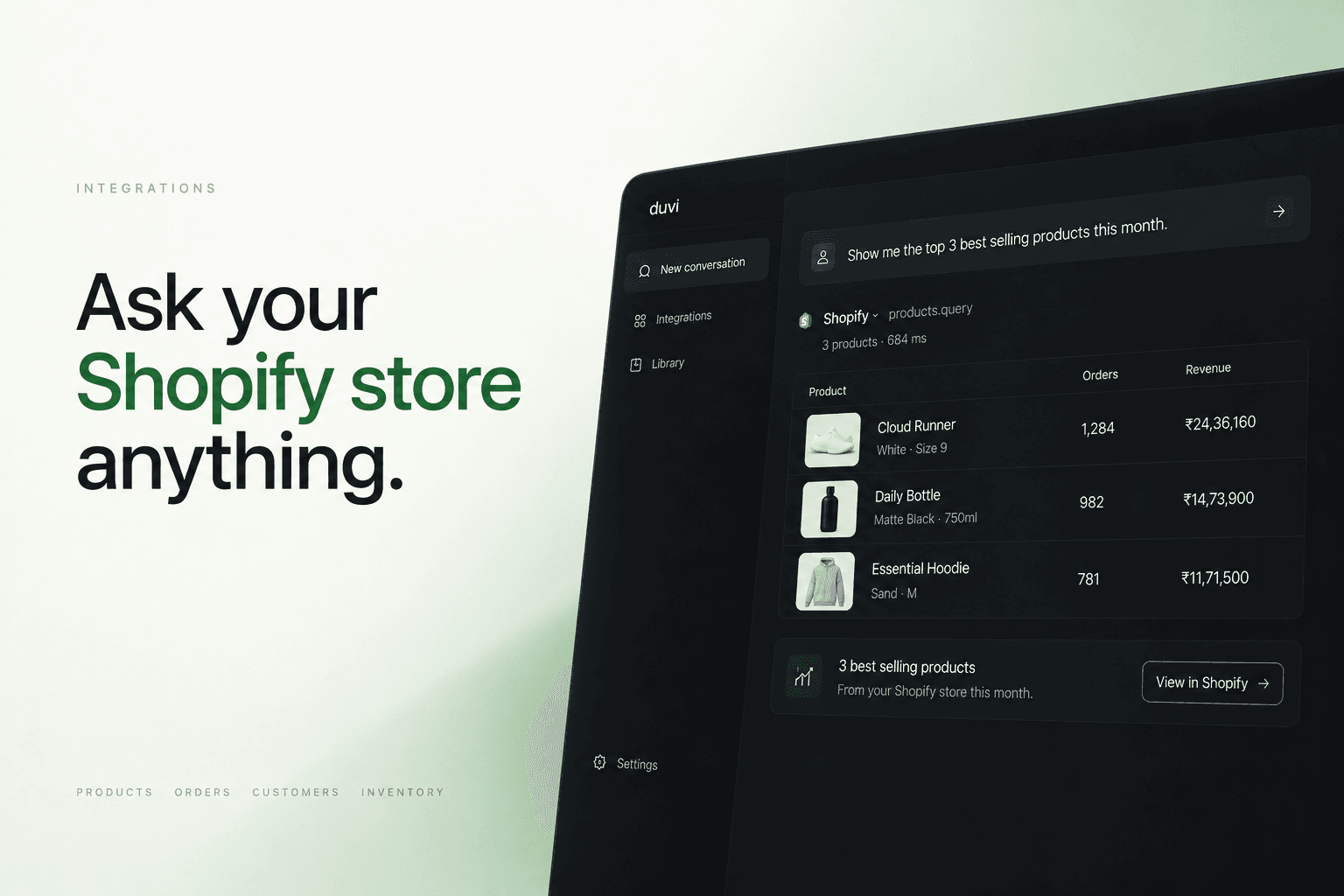
Overview
The Shopify connector gives your agent the catalogue, cart, checkout, order and policy tools your storefront publishes. Your agent searches products, reads a variant and what is in stock, builds a cart a shopper can check out, and answers questions about shipping and returns. You choose which of those tools it may call.
Shopify serves those tools from two MCP servers on your own domain. Your agent calls them while it answers, so the stock it quotes is the stock you hold at that moment.
What it can do
Configure
Anyone who can edit an agent can connect Shopify. Open the agent’s Integrations, choose Shopify, and enter your store domain. Shopify publishes what an agent needs, so there is no credential to create and no key to paste.
Once connected, every tool Shopify offers appears under Available to the agent, with a switch to turn off any you would rather it never called. Policy search is optional and drops out when your storefront does not serve it.