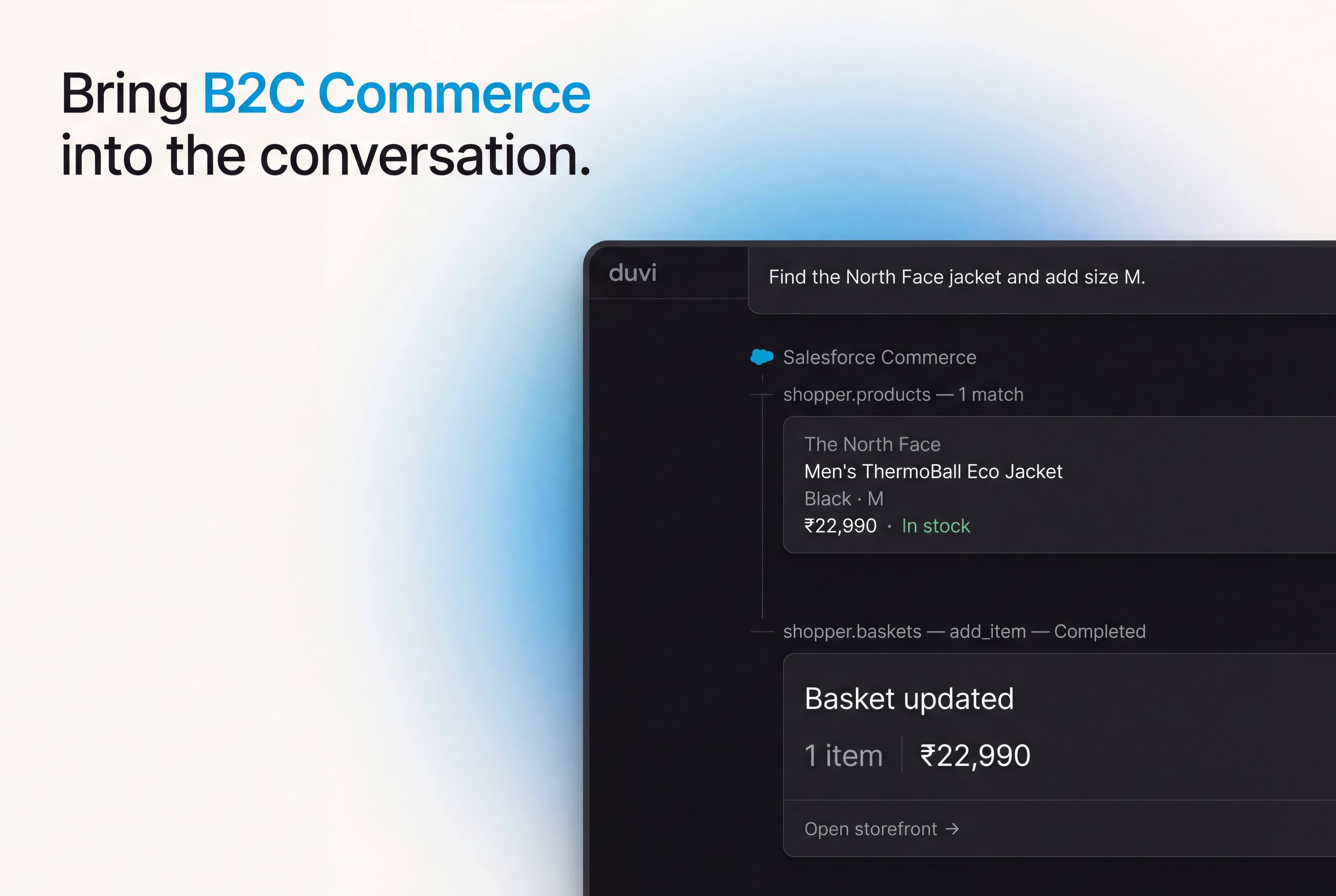
Overview
The Salesforce Commerce Cloud connector gives your agent the Shopper APIs a B2C Commerce storefront already exposes. Your agent finds a product, checks a variant, and adds it to a basket a shopper can carry to checkout.
Commerce Cloud serves those APIs over MCP from your own org, authenticated with a SLAS client-credentials token Duvi exchanges on your behalf. Your agent calls it live, so the product and basket it works with are what your storefront holds right now.
What it can do
Configure
Anyone who can edit an agent can connect Salesforce Commerce Cloud. Open the agent’s Integrations, choose Salesforce Commerce Cloud, and enter your short code, organization ID, channel ID, and the client ID and secret from a SLAS API client. The secret is encrypted and never shown again.
Once connected, every tool Salesforce Commerce Cloud offers appears under Available to the agent, with a switch to turn off any you would rather it never called.